DVD
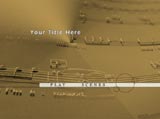
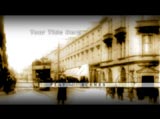
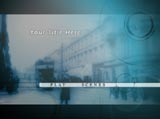
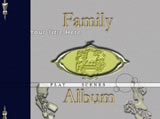
Slide Show Menus:
Add a
Menu to your DVD Slide Show! Menus make navigating
your DVD fun and easy.
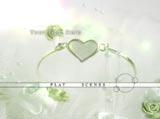
When you add a menu to your DVD
you'll get a "Main Menu" and a "Scene
Selections Menu". You can play your entire movie
from the Main menu or skip ahead to a specific scene
using the scene selection menu. We'll be happy to
add chapter points at set intervals for you, You can
personalize your DVD with custom scene selections
at points you specify for an additional fee. Your
scene selection menu will correspond to the chapter
points on your DVD.
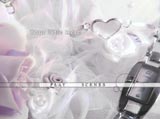
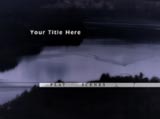
To the right is an example of a
scene selection menu. The fourth chapter is an example
of a customized chapter point. Custom chapter points
can be placed in your video any place you like. Each
custom chapter will have a title on the scene selection
menu like the example to the right.
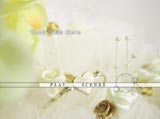
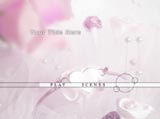
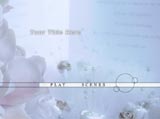
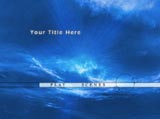
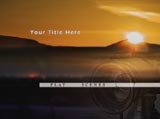
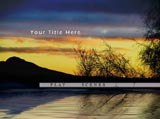
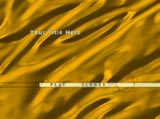
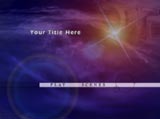
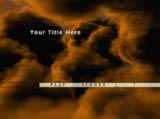
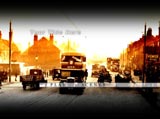
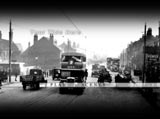
Please take a few minutes to browse
our menus and find a design that's right for you.
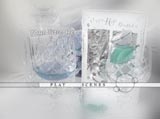
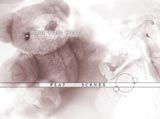
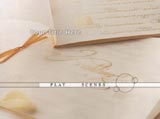
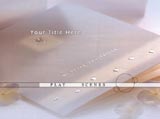
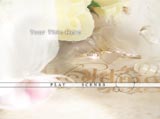
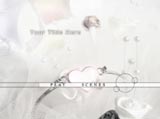
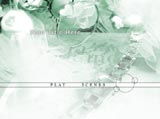
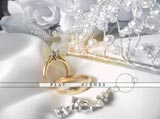
Click a thumbnail below for a larger picture of the
menu. |